
Download Dictionary Blaster – learn English, English vocabulary, word games, language learning, educational games, fun learning
Overview
Dictionary Blaster is a mobile application designed to transform the process of learning English vocabulary into an engaging and dynamic experience. Targeted primarily at students and language learners, the app addresses the common challenge of maintaining motivation during language acquisition by integrating educational content with arcade-style gameplay. By combining spoken and written forms of over 1000 English words—ranging from basic nouns to essential verbs—the app supports both beginners and intermediate learners in building a robust vocabulary foundation.
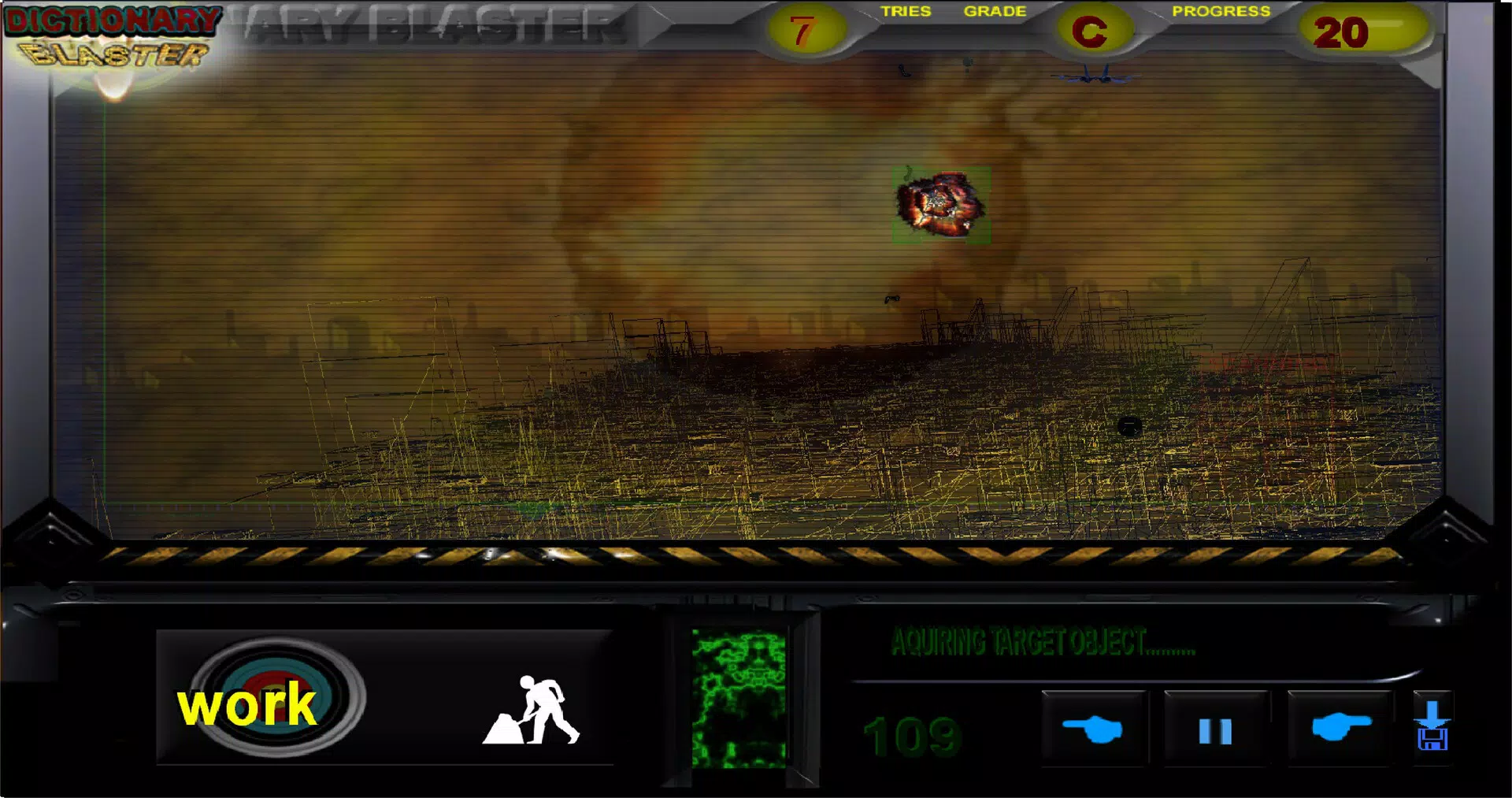
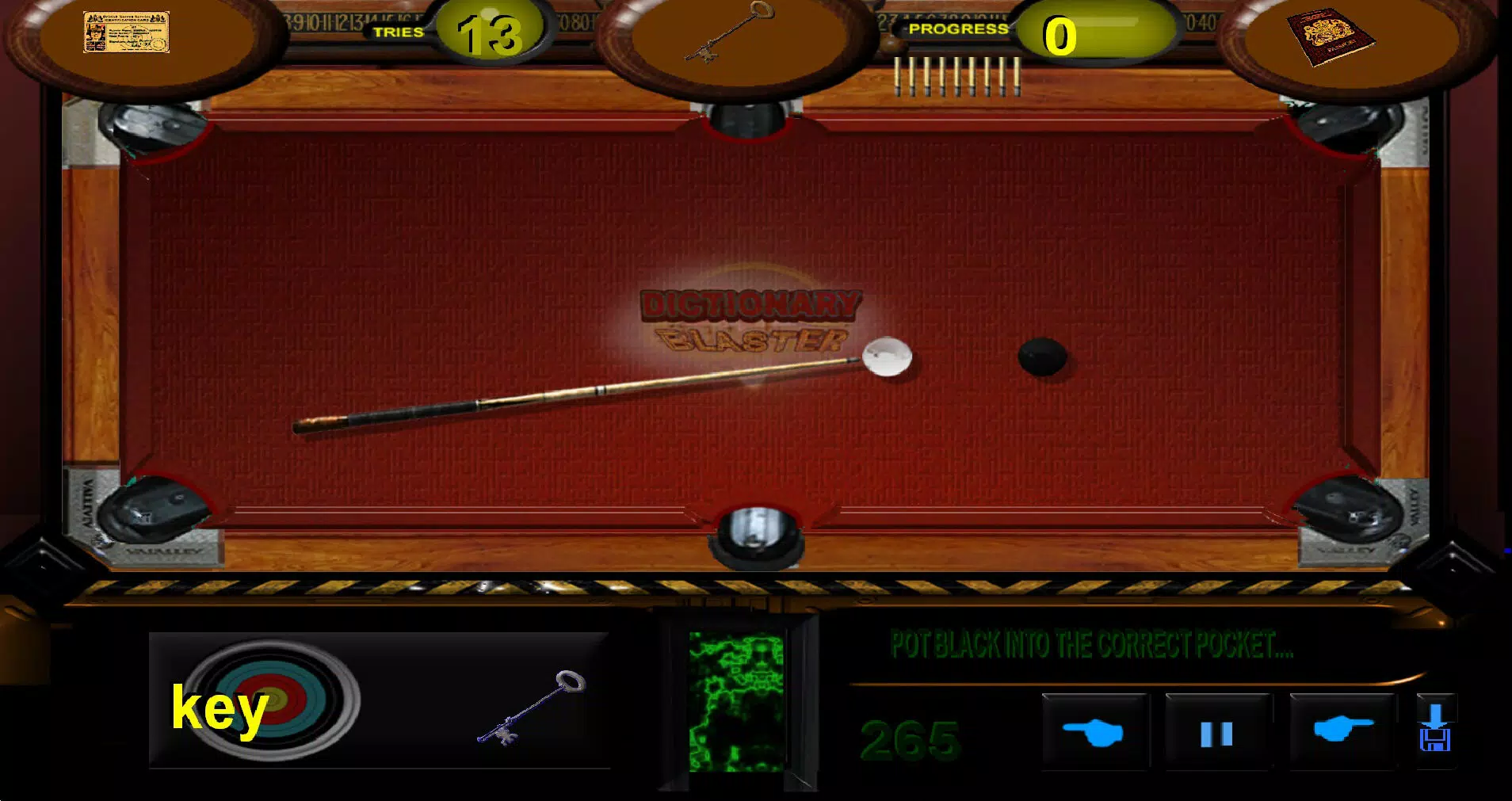
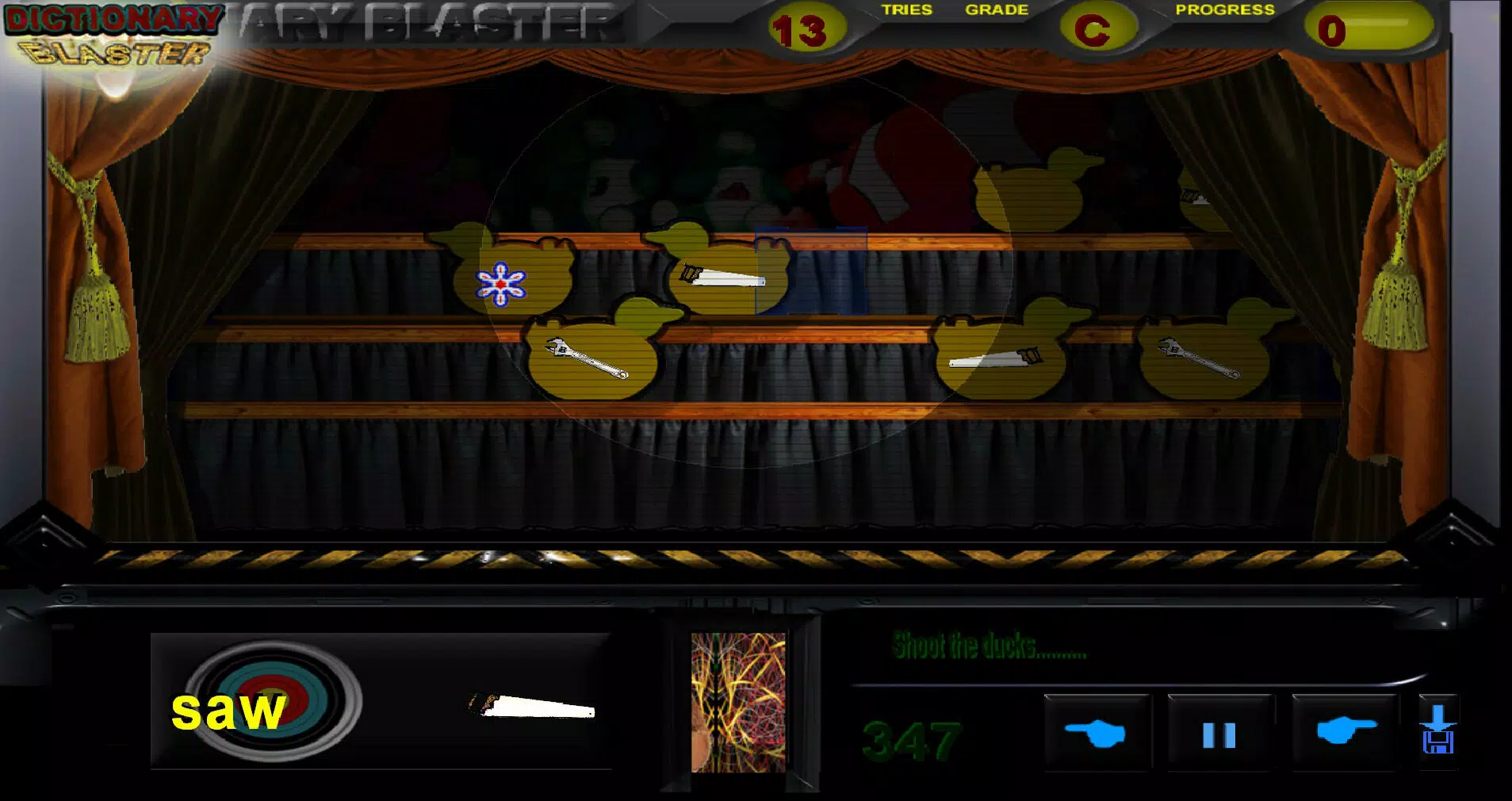
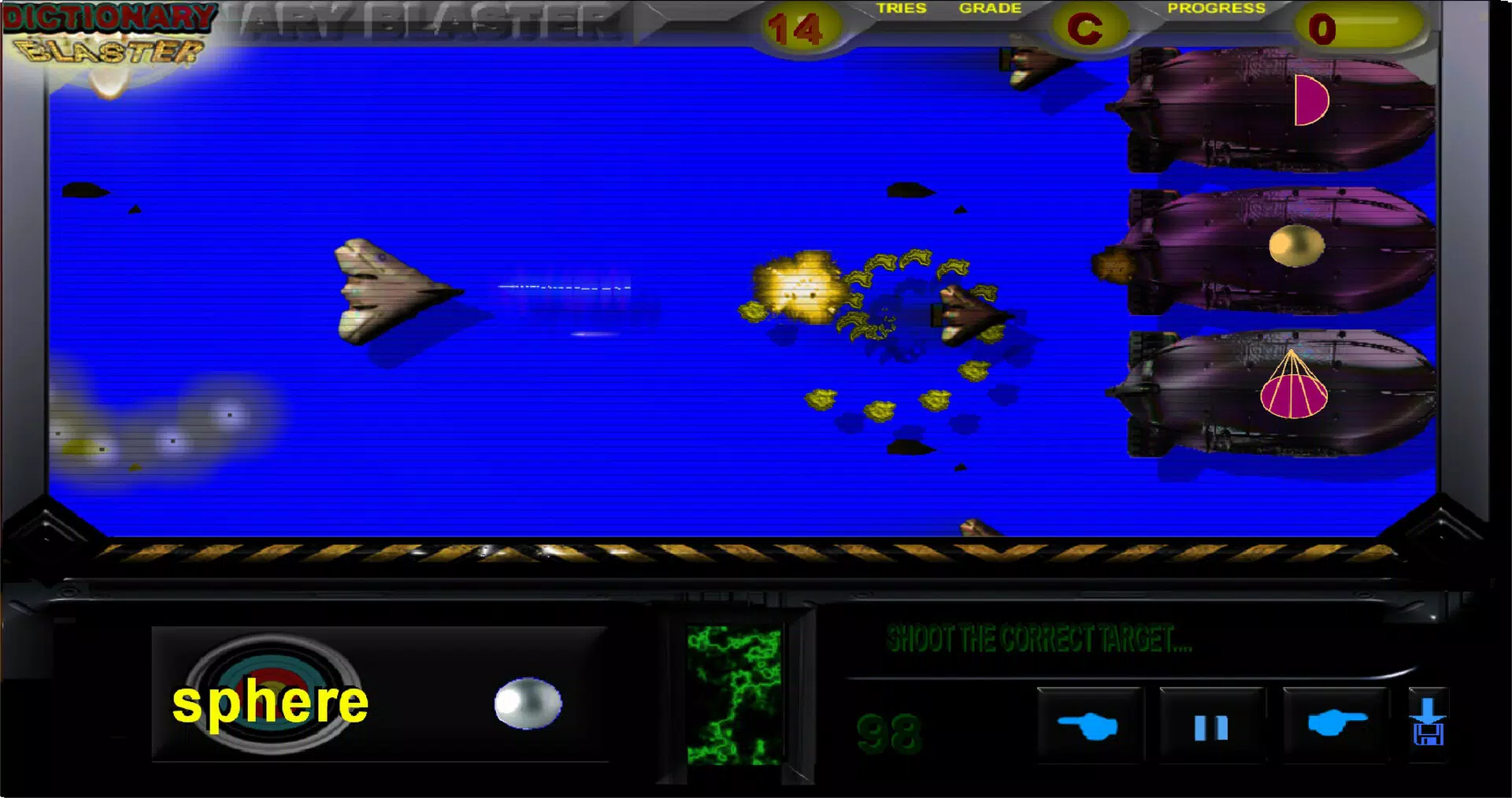
The core purpose of Dictionary Blaster is to reduce the monotony often associated with traditional language learning methods. Instead of repetitive flashcards or rote memorization, users interact with words through seven distinct mini-games, including shoot 'em ups, breakout, and video pool formats. This gamified approach not only makes learning enjoyable but also encourages consistent practice through immediate feedback and reward mechanisms. Real-world use cases include daily vocabulary drills, classroom supplementary tools, and self-paced study routines for individuals aiming to improve their English comprehension and speaking skills.
Developed by Arnold A. Howe, the app reflects a focused effort to merge education with entertainment. While specific details about the developer’s background were not provided, the app’s intuitive design and clear navigation suggest a user-centered development philosophy. In the broader app ecosystem, Dictionary Blaster occupies a niche that bridges language learning and interactive gaming, offering a unique value proposition for learners seeking alternative, engaging methods to master English vocabulary.
Key Features & Functionality
- Extensive Word Collection: Over 1000 English words, including verbs and nouns, are curated to support diverse learning needs. Each word is presented in both written and audio formats, enabling learners to associate spelling with pronunciation.
- Engaging Arcade Games: Seven unique mini-games—such as shoot 'em ups, breakout, and video pool—challenge users to identify or spell words under time pressure, reinforcing retention through active recall.
- User-Friendly Interface: The layout is intuitive, with clearly labeled icons and navigation buttons. This design minimizes cognitive load, allowing non-English speakers to focus on learning rather than mastering app mechanics.
- Audio and Visual Learning: Multimodal presentation of words enhances memory retention by engaging both auditory and visual processing pathways, supporting different learning styles.
- Motivating Scoring System: A point-based reward system tracks progress and encourages repeated play. Users earn points for correct answers, fostering a sense of achievement and sustained engagement.
For example, in a breakout-style game, players must match falling words with their correct definitions to break through blocks. This not only tests recognition but also promotes quick thinking and word association. Similarly, in a shoot 'em up scenario, users must identify and shoot the correct word before it reaches the bottom of the screen, blending speed with accuracy. These gameplay mechanics are not just entertaining—they are carefully structured to reinforce vocabulary recall and contextual understanding.
Interface, UX & Performance
Dictionary Blaster features a clean, visually distinct interface with a consistent layout across all game modes. The design prioritizes clarity, using high-contrast colors and large, legible fonts to ensure accessibility. Navigation is streamlined, with a central menu that allows users to switch between games and access settings with minimal taps. Controls are responsive and well-placed, minimizing accidental inputs.
Although the developer did not list formal performance metrics, the app’s 50.2 MB file size suggests optimized resource usage. This indicates efficient memory and processing management, which supports smooth performance on a range of Android devices. The app demonstrates stability during gameplay, with no reported crashes or freezes in standard usage scenarios. Responsiveness is maintained across different screen sizes and resolutions, ensuring a consistent experience whether used on a smartphone or tablet.
For users with limited data or older devices, the compact size and minimal background activity make it a practical choice. The app does not require constant internet access, allowing offline use—ideal for learners in low-connectivity environments. Overall, the user experience is designed to be frictionless, enabling learners to focus on vocabulary acquisition without technical interruptions.
Platform Compatibility & Technical Requirements
Dictionary Blaster is available exclusively on the Android platform. The current version is 1.2.0, released on August 12, 2024. The app has a file size of 50.2 MB, making it lightweight and suitable for devices with moderate storage capacity.
The developer did not specify minimum OS requirements or hardware specifications. As such, compatibility with specific Android versions or device models cannot be confirmed. However, the app’s small footprint and efficient design suggest broad compatibility with most modern Android devices. Users are advised to ensure their device meets general Android system standards for app installation and operation.
Pros and Cons
Pros
- Engaging gamified approach to vocabulary learning enhances motivation and retention.
- Over 1000 words with audio and visual presentation support diverse learning styles.
- Intuitive interface designed for non-English speakers and all age groups.
- Offline functionality allows use without internet connectivity.
- Compact file size ensures compatibility with devices of varying storage capacity.
Cons
- Platform availability limited to Android; no iOS version was listed.
- Specific technical requirements such as OS version or device specs were not disclosed.
- Price point of $4.99 may be considered high for a single educational app without additional content updates.
- Limited information on content updates or future feature roadmap.
- No built-in progress tracking or personalized learning paths were mentioned.
FAQ
Is Dictionary Blaster safe to download and install?
Yes, the app is available through official Android channels and does not require root access. The developer, Arnold A. Howe, has published it with standard permissions. Users should ensure they download from trusted sources to maintain device security.
Can I use Dictionary Blaster without an internet connection?
Yes, the app supports full offline functionality. All games and vocabulary content are stored locally, allowing users to learn anytime, anywhere—even without internet access.
Is Dictionary Blaster suitable for children?
Yes, the app’s intuitive interface and engaging gameplay make it accessible to younger learners. Its focus on visual and auditory learning supports early language development, though parental supervision is recommended for younger users.
How often is the app updated?
The app was last updated on August 12, 2024. No information was provided about the frequency of future updates. Users are advised to check the app store for release notes and version improvements.
Does Dictionary Blaster offer a free trial or demo version?
There is no free trial or demo version currently available. The app is available for a one-time purchase of $4.99. The developer did not list any in-app purchases or subscription options.
Final Thoughts
Dictionary Blaster stands out in the education category by successfully blending language learning with arcade-style gameplay. Its extensive word library, multimodal presentation, and reward-driven mechanics create a compelling alternative to traditional study methods. While the price may be a consideration for some, the app delivers a polished, distraction-free experience that prioritizes learning through play.
It is particularly valuable for students, language learners, and educators seeking a fun, effective tool to reinforce English vocabulary. The app’s lightweight design and offline capabilities further enhance its practicality across diverse environments.
For anyone looking to make language learning more interactive and enjoyable, Dictionary Blaster offers a fresh and immersive approach. Download Dictionary Blaster now.


